 zelyq
zelyq01
BUILD
Make the change
Create an app or bring a repository. Work with the agent and review the diff.
From the first line of code to a running application. AI development, secrets, pipelines, and deployments — connected in one workspace.
Connect the work that comes next.
The secrets, checks, environments, and releases
that turn an idea into something people use.
Create an app or bring a repository. Work with the agent and review the diff.
Reference credentials from Vault, wherever your application needs them.
Build a repeatable pipeline. See what passed, what failed, and why.
Deploy to your machines with health checks, approvals, and a way back.
You don’t have to start from scratch.
Use Zelyq with an existing app, a new idea,
or a pipeline that needs a better home.
Plan the work, inspect the changes, and keep the files. An editor, live preview, and change history keep you close to what’s being built.
Build with Zelyq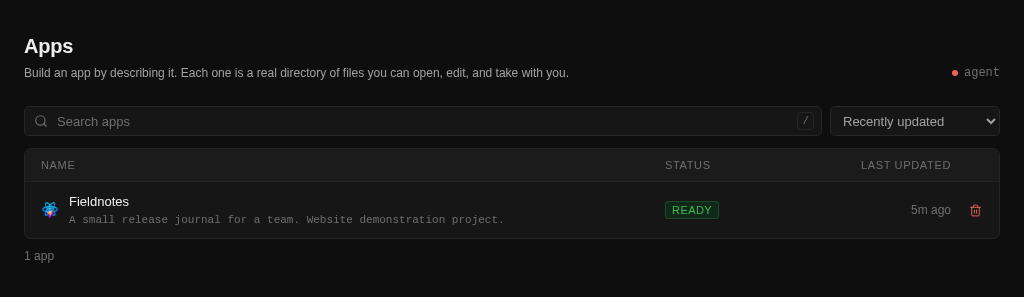
Encrypted credentials, version history, and scoped access. Connect your apps and pipelines, or use Vault from your own systems.
DATABASE_URLPROTECTEDvault://DATABASE_URLVisual when you want the big picture. YAML when you want the details. Run on your machines and follow every step live.
Move from staging to production with environment-specific credentials, approvals, and health checks. Follow live logs and roll back when you need to.
Explore DeploymentsRun the platform yourself. Choose the models you trust. Keep your team’s work on infrastructure you control.
See how self-hosting worksUse a supported provider or connect an OpenAI-compatible endpoint, including models you host yourself.
Connect your runners. Deploy to your own hosts. Choose where the work happens.
Real project files, Git repositories, and platform source you can inspect and adapt under its license.
Shared projects and team roles across apps, credentials, pipelines, and deployments.
Images and video, with your own provider accounts. Create for an application or explore an idea in Studio.
Explore Studio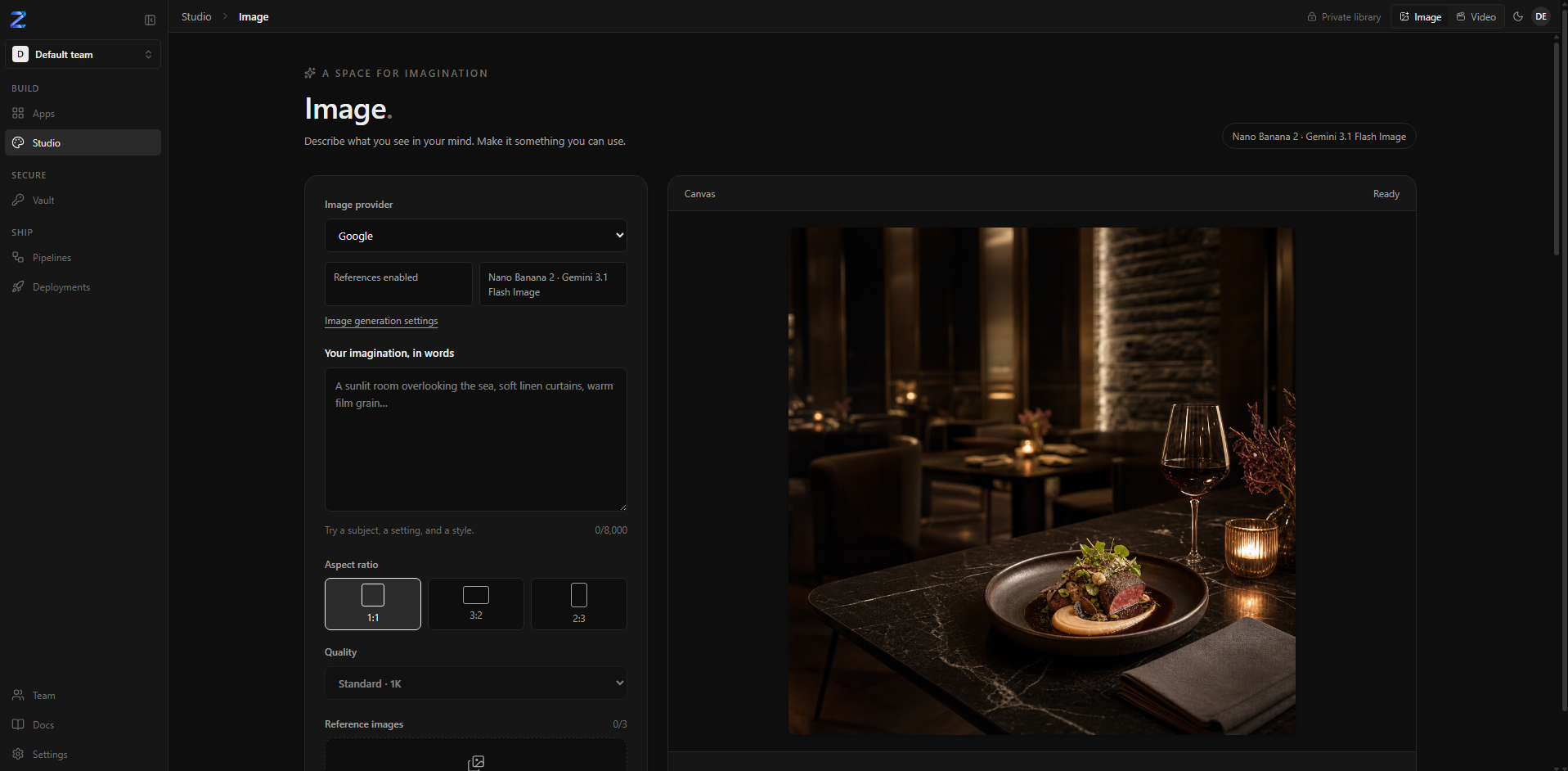
Get Zelyq running locally, connect your model,
and choose where to begin.
The demo requires an account and your own model key.
git clone https://github.com/CrowPus/Zelyq.gitcd Zelyqpnpm installpnpm dev