 zelyq
zelyqStart with what you have
Create a React app, a React and Python application, or an Expo project. Import an existing GitHub repository when the work is already underway.
Start with an idea or bring an existing repository. Plan the change, watch the agent work, and review the files it leaves behind.
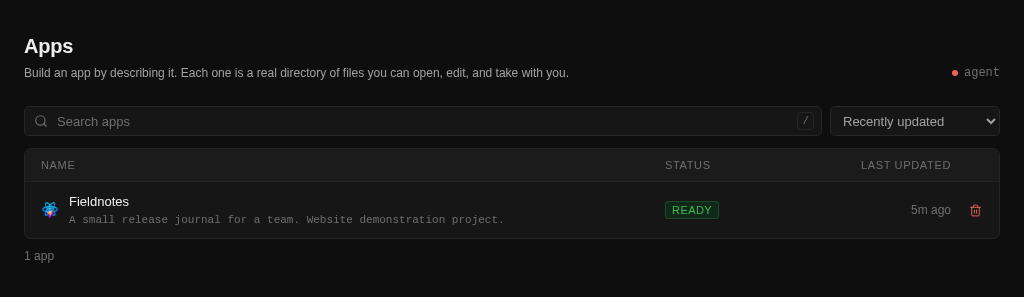
Create a React app, a React and Python application, or an Expo project. Import an existing GitHub repository when the work is already underway.
Architect Mode turns a request into requirements, decisions, and an implementation plan. Review the approach before asking the agent to build.
Follow tool calls and inspect file changes. A snapshot before each turn gives you a way to restore an earlier state.
When files change, Zelyq can run the project’s available typecheck or build and inspect preview status. These checks provide evidence, not a guarantee of correctness.
Follow the guide for configuration details and the complete workflow.
Open the documentationChoose a supported provider or an OpenAI-compatible endpoint in Settings. You supply the provider account and credentials.
Yes. Import an existing GitHub repository when creating the app. The agent works in the project’s files rather than requiring a new generated application.
No. Automated checks depend on the scripts the project provides. Review the changes and run the tests and release checks appropriate to your application.
Run Zelyq yourself and connect the parts your team needs.