 zelyq
zelyqStart with a prompt
Describe an image and choose the provider, aspect ratio, and available quality controls. Supported models can also use reference images.
Generate images and video using your own provider accounts. Create for an application or work in Studio on its own.
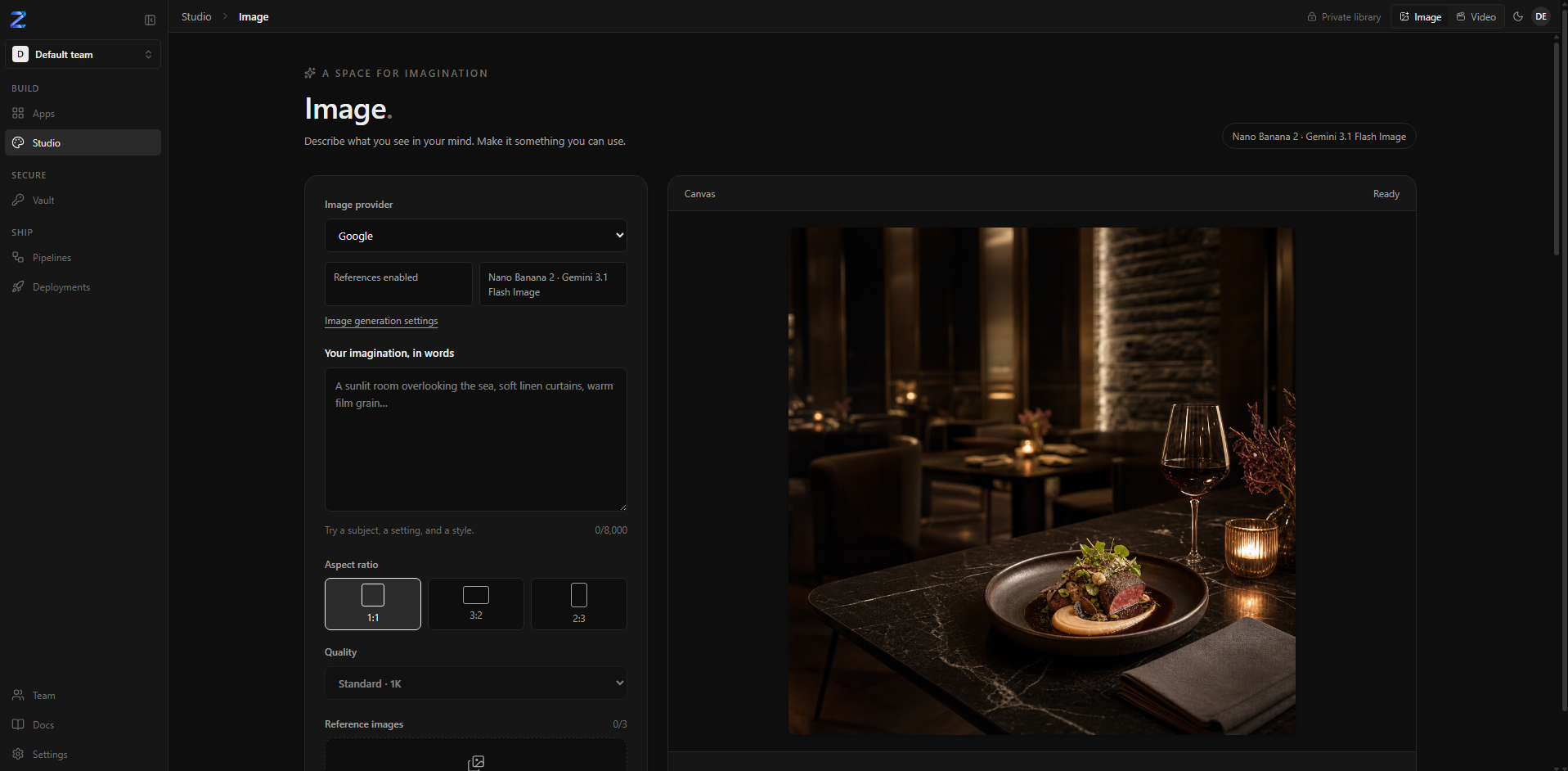
Describe an image and choose the provider, aspect ratio, and available quality controls. Supported models can also use reference images.
Video Studio supports generating from text or animating an image, with controls that depend on the selected provider and model.
Set credentials in Settings, directly or through Vault. Generation is billed by your provider account.
Use Studio independently or enable asset generation for a project. The agent can create artwork within the limits you configure.
Follow the guide for configuration details and the complete workflow.
Open the documentationDescribe a scene or start from an image. Review the selected model’s formats, duration, and audio controls before generating.
Read the video guide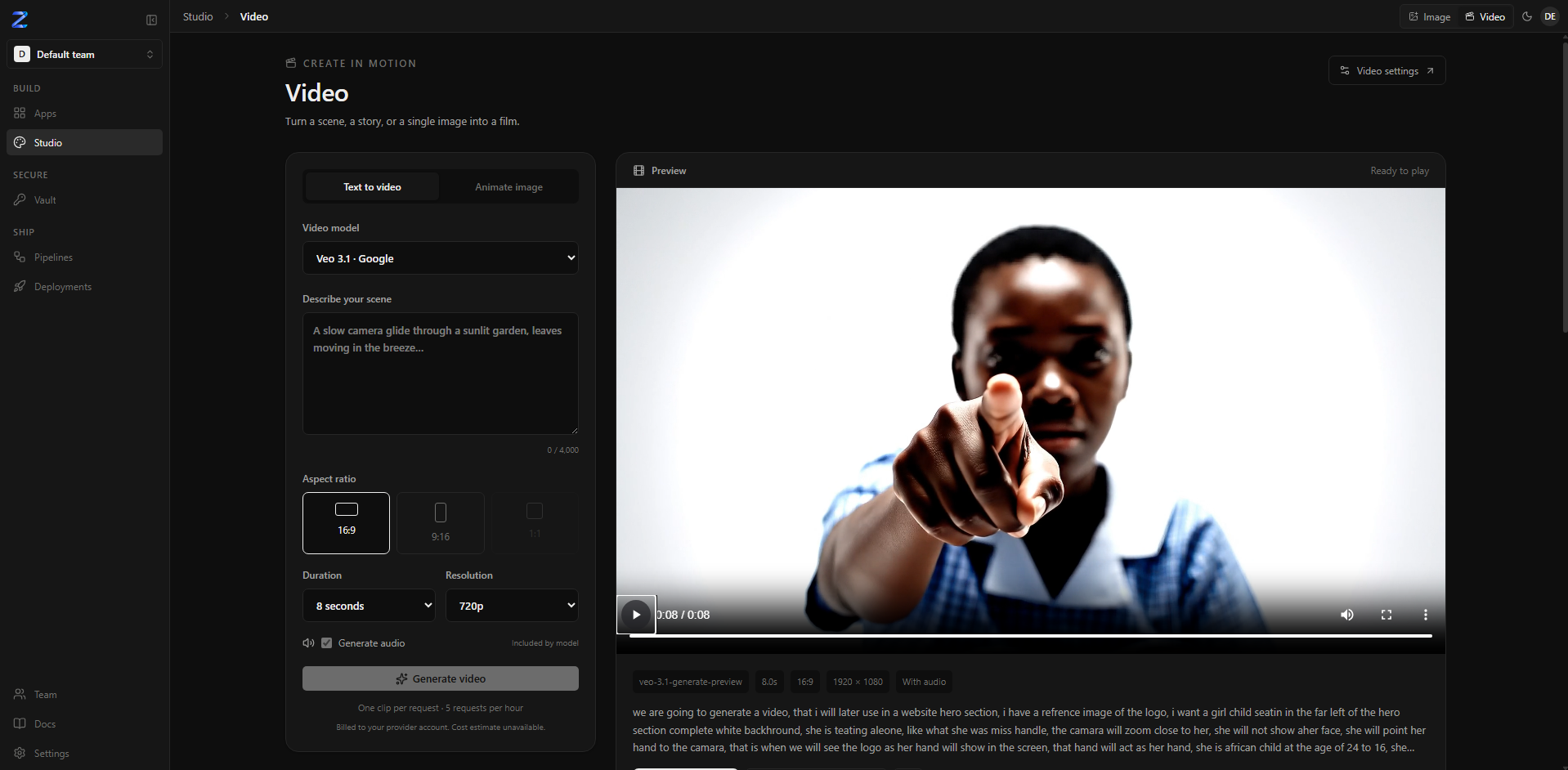
No. You can use the standalone image and video workspaces without creating an application.
You use your own provider account. Costs and available generation features depend on that provider and the selected model.
The Video Studio documentation covers text-to-video, image animation, model controls, and integration with applications.
Run Zelyq yourself and connect the parts your team needs.