 zelyq
zelyqTwo ways to work
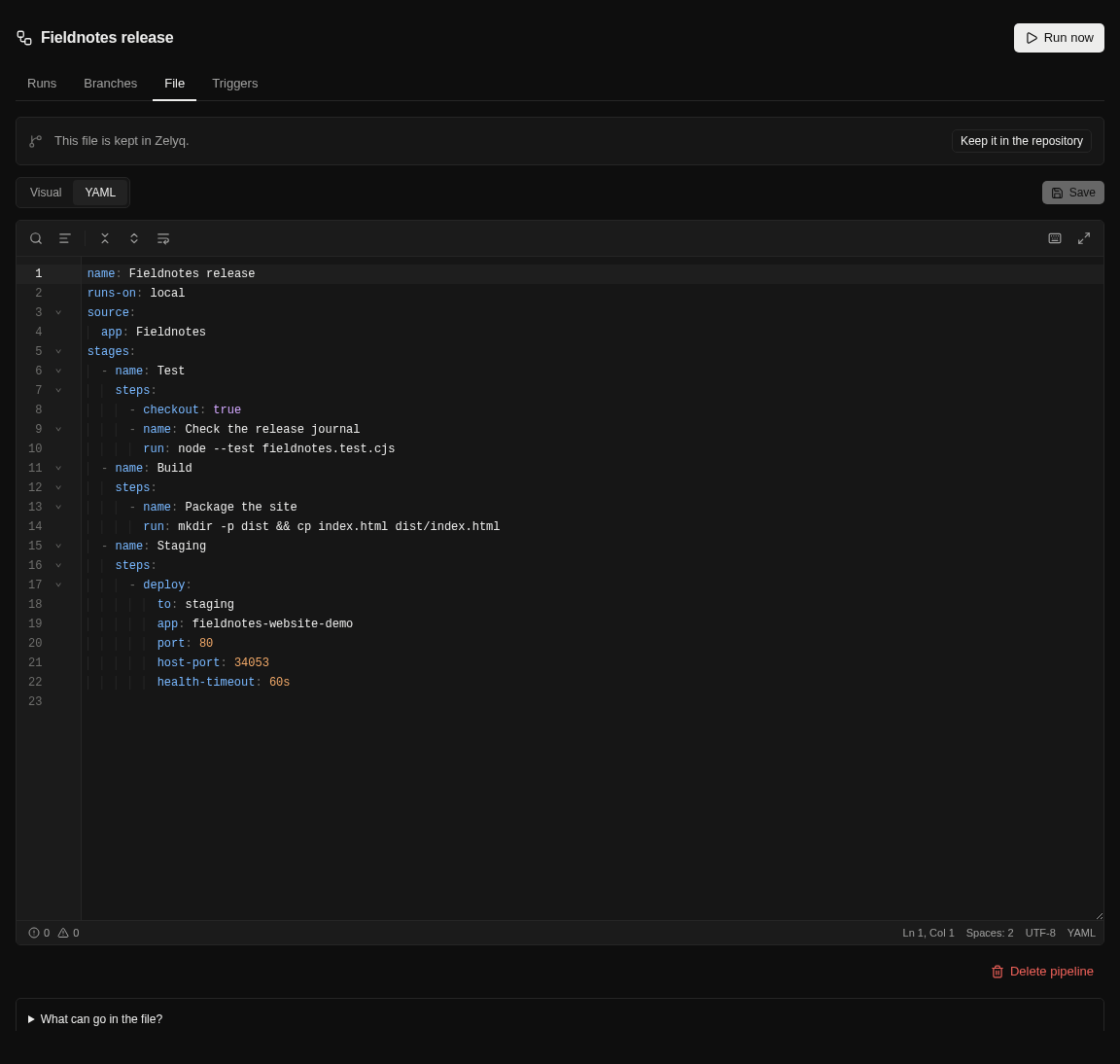
Use the visual editor to organize stages or work directly in YAML with suggestions, hover help, and inline problems.
Build your workflow visually or edit its YAML. Run on your own machines, follow the logs, and keep the results beside the run.
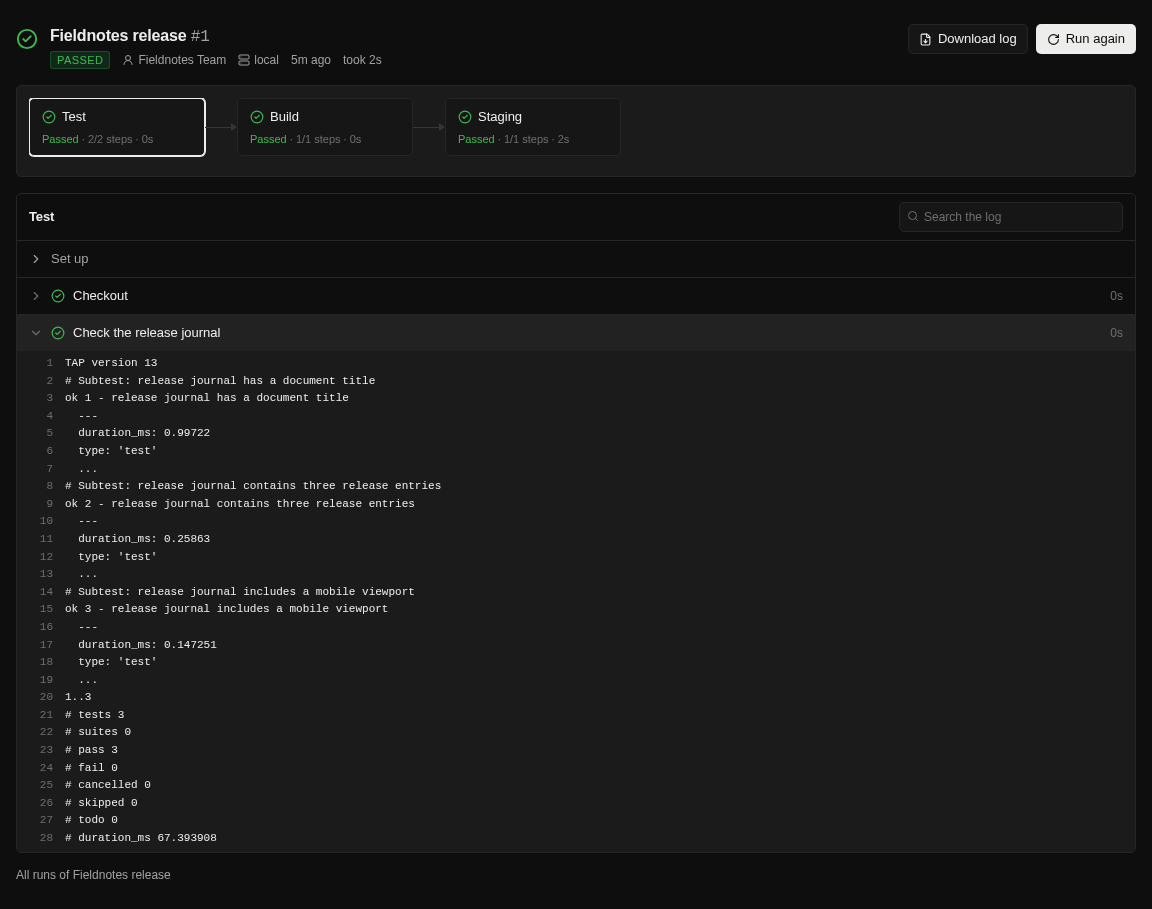
Use the visual editor to organize stages or work directly in YAML with suggestions, hover help, and inline problems.
Run in a fresh container on the Zelyq server or connect Linux, macOS, and Windows machines over SSH. Choose runners per stage when work needs different tools.
Parallel stages, matrices, templates, plugins, caches, and service containers give recurring work a reusable structure.
Read live logs, collect artifacts and JUnit reports, and report status to GitHub or GitLab. Add approvals where the next step needs a person.
Follow the guide for configuration details and the complete workflow.
Open the documentationCreate the referenced app and staging environment first. The pipeline file stays readable and reviewable.
name: Release
runs-on: local
source: { app: Shop }
stages:
  - name: Test
    steps:
      - checkout: true
      - setup: node@22
      - run: npm ci && npm test
  - name: Deploy
    steps:
      - deploy: { to: staging, port: 3000 }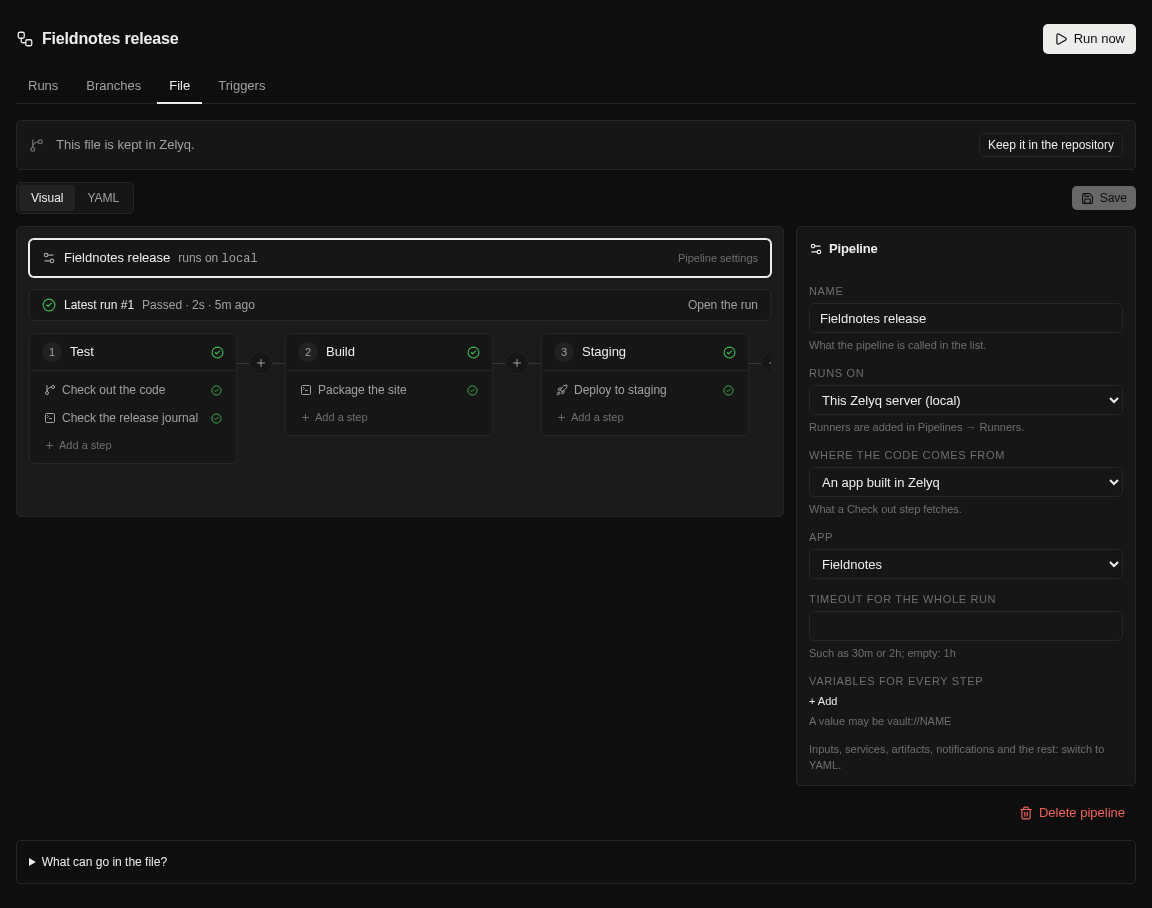
Yes. A pipeline can source files from a Git repository as well as a Zelyq app. Start with the codebase you already have.
Manual runs, Git pushes, pull requests, schedules, upstream pipeline completion, app changes, and authorized external systems are supported. Configure the triggers you need.
No. The default local container runner does not include Docker. Use an SSH runner with Docker available for Docker image build steps.
Run Zelyq yourself and connect the parts your team needs.